Follow along with what your child is learning.
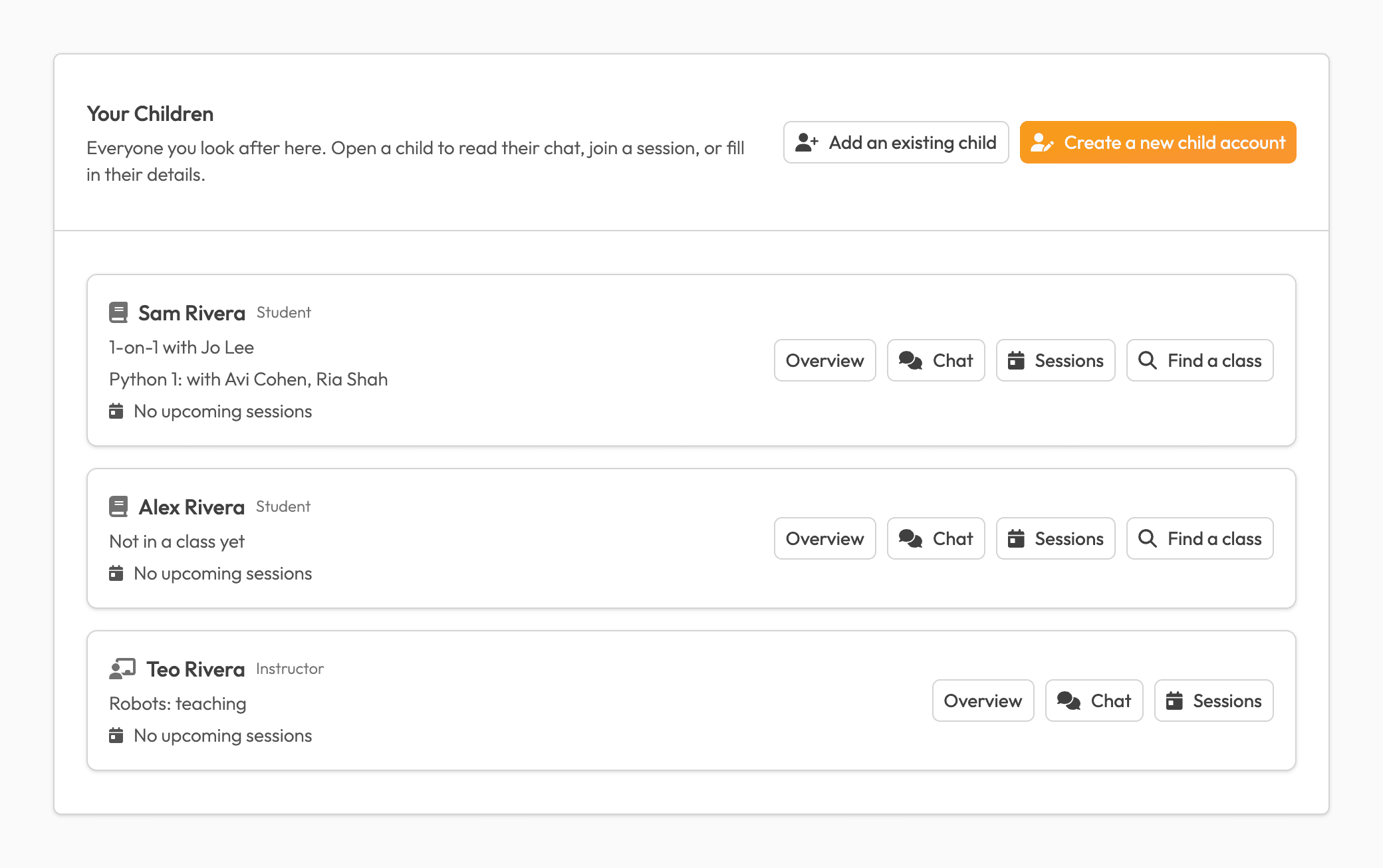
Peer Programming offers free 1-on-1 sessions and group classes for K-12 students. Link your account to your child's and you can see their sessions and read their chats.
Their sessions and their chats, from your own account.
- Read their chats. Every message your child sends and receives, including direct messages. You can't send messages yourself, but you can report any message to our team.
- Help with their sessions. See their sessions, and accept, decline or reschedule 1-on-1 session requests.
- Sign them up for classes. Add them to a group class from the class list in the app, or with a link or code from its instructors or organization, and RSVP for them.
Parents don't join group sessions. Those are for the class's students and instructors.
Three ways to link your account
- Your child invites you
- At the end of their own sign-up, your child can enter your email. There is no password to create: we email you a code each time you sign in. The invite link lasts 7 days.
- You sign up as a parent
- Create a Parent account, then create your child's account from it, or link the account they already have with a 6-digit code they read out to you.
- We email you for consent
- If your child is under 13, they sign up with your email and we write to ask for your consent. That email also sets up your parent account, and its link lasts 7 days.
You can link up to 10 children, and each child can have up to 2 parents.
A child under 13 can't sign up without you.
A child under 13 can only sign up with a parent's email address, and we get your consent before their account exists. That's what COPPA, the US law on children's privacy online, asks of us. Children under 13 sign in with email, not Google or GitHub.
You can review or delete your child's data at any time. We never sell student information.
Read our privacy policyUpdates you can turn off, with safety notices always sent.
Updates about your child's account
Pairings, reminders and classes. Turn them off any time in Settings, under "Email me about my child's account".
Safety notices
If your child reports a message, we always tell you, even with updates turned off.
Right now, our own classes and 1-on-1s are taught by high school students who've passed our interview. Partner organizations choose their own instructors, so before an organization can run classes here, we check that it's safe and that it properly screens its instructors. That way, when it vouches for an instructor, we know they're suitable to teach. A Peer Programming moderator is emailed the link to every group session and may join. Everyone follows our code of conduct, and any message can be reported to our team.
Code of conduct